A shared desk for documents, drawing and mathematics.
Draw, construct and read documents together. The teacher opens the class; students join from a browser.
You need a key or link from your teacher. Open The Quire in the browser · View on GitHub
Free and open source (MIT) · Windows, macOS, Linux · Preview 0.6.1
How a lesson works
Open the class
Open The Quire in the app or the browser and press Classroom. Choose Cloud for a class, or Direct (P2P) for one student.
Invite
In Cloud, sign in and create a room, then send its key. In Direct, send the invitation code and paste the reply your student sends back.
Work together
Everyone edits one desk with their own zoom and view. Named cursors show who is where.
Cloud
The room lives on the server and stays when you close your laptop. Teachers sign in with Telegram, Google, GitHub, an email code or a passkey; students need no account. New accounts on the public server currently need a tester code.
Direct (P2P)
One teacher and one student, no server in between. You both read a short check phrase aloud to confirm the codes were not swapped. Some networks will not connect directly; then use Cloud or your own relay server.
What works today
Constructions
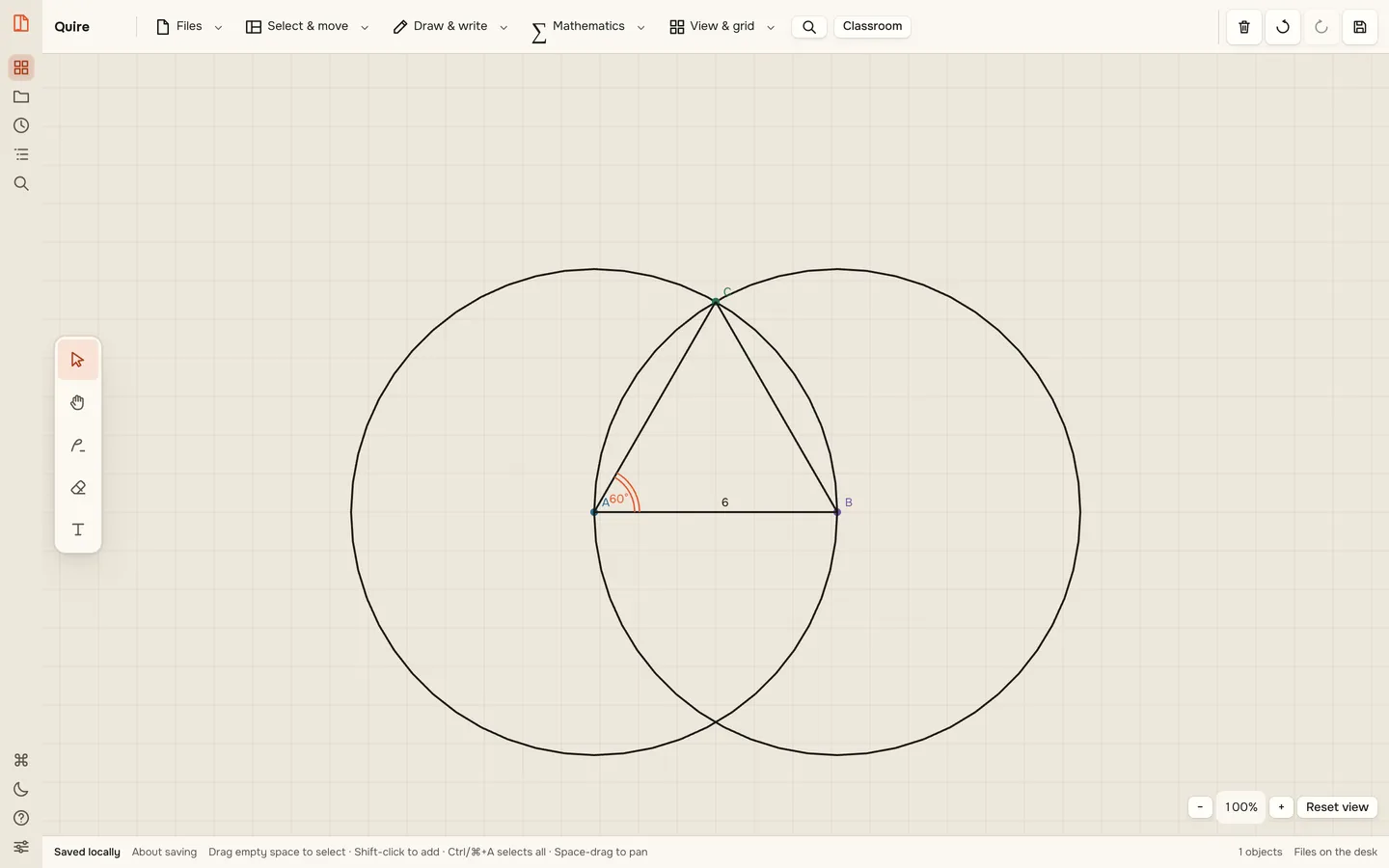
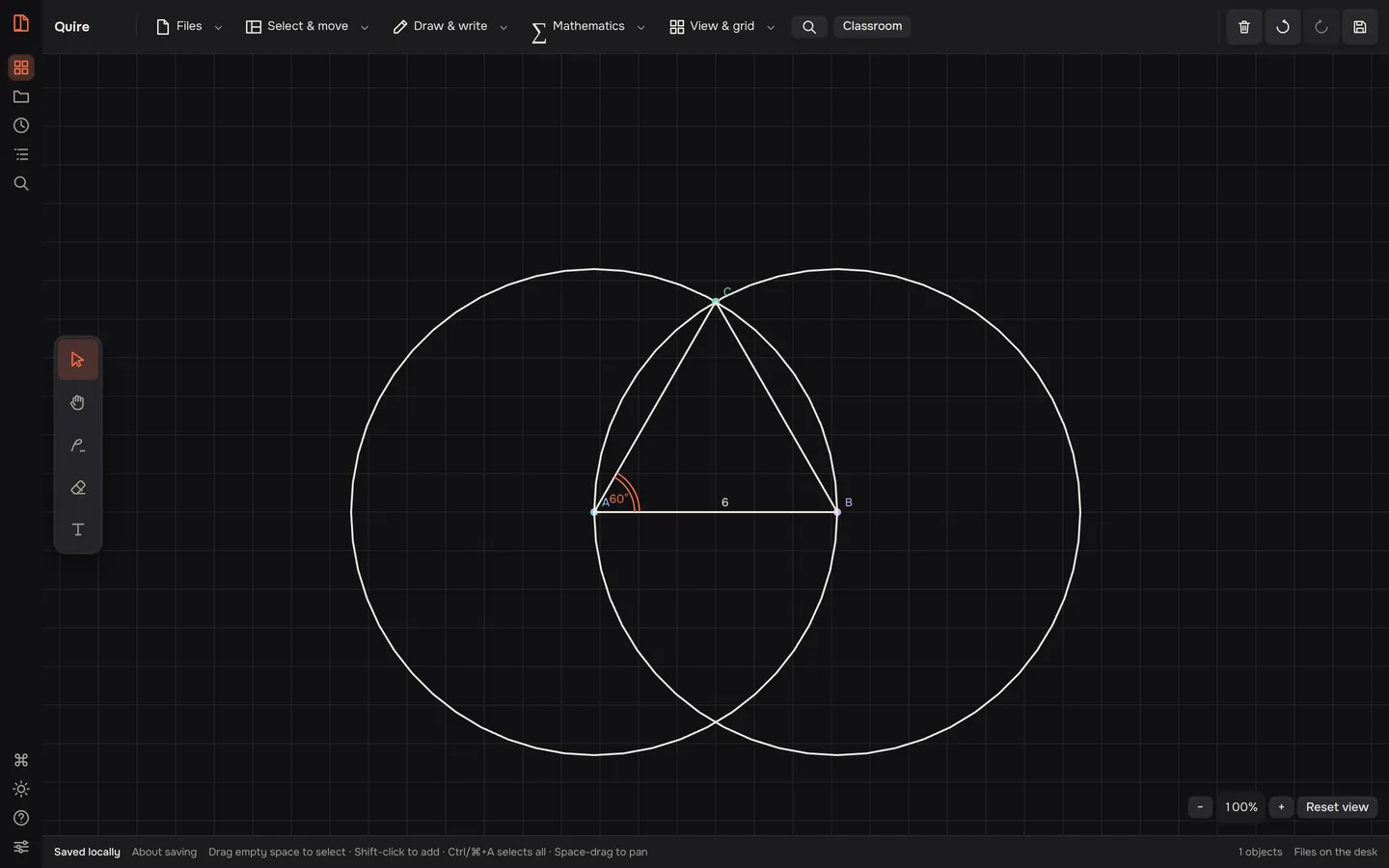
Axes with a movable origin, points, compass and ruler constructions with linked points, functions and measurements.
Drawing and text
Pen, shapes, formatted text and LaTeX formulas through KaTeX.
Documents
Show PDF pages and images as snapshots, laid out by range or list in a row or grid. The original file stays with whoever uploaded it.
Lessons
New lesson lays out frames for the plan, the board and homework. The teacher can switch a student to view only.
Calls
Voice, camera and screen sharing, each turned on by its owner. The call runs separately from the desk.
Lost connection
Unsent edits are kept on the device and sent when the connection returns. Disputed edits wait for review without stopping the desk.
The Quire is not a full Miro or GeoGebra. See what is still being tested.
See it in motion
A reader and PDF editor, too
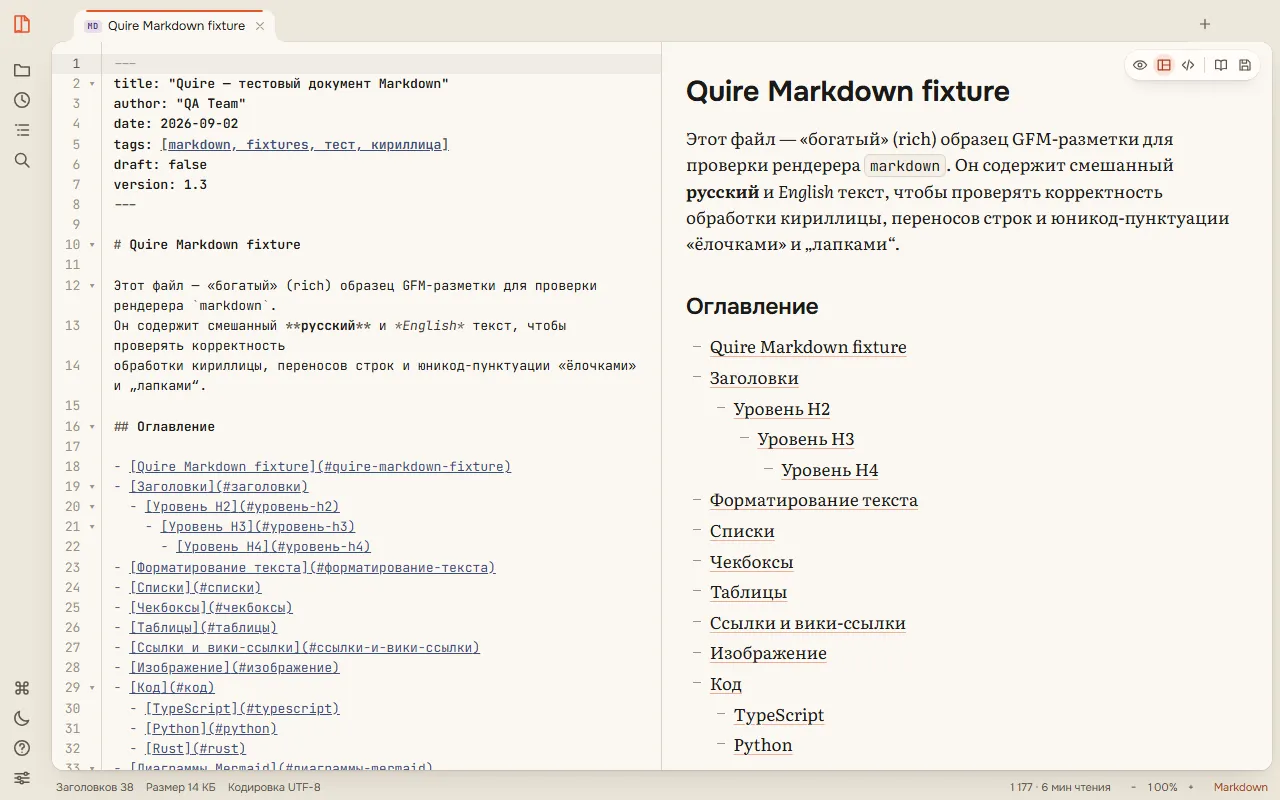
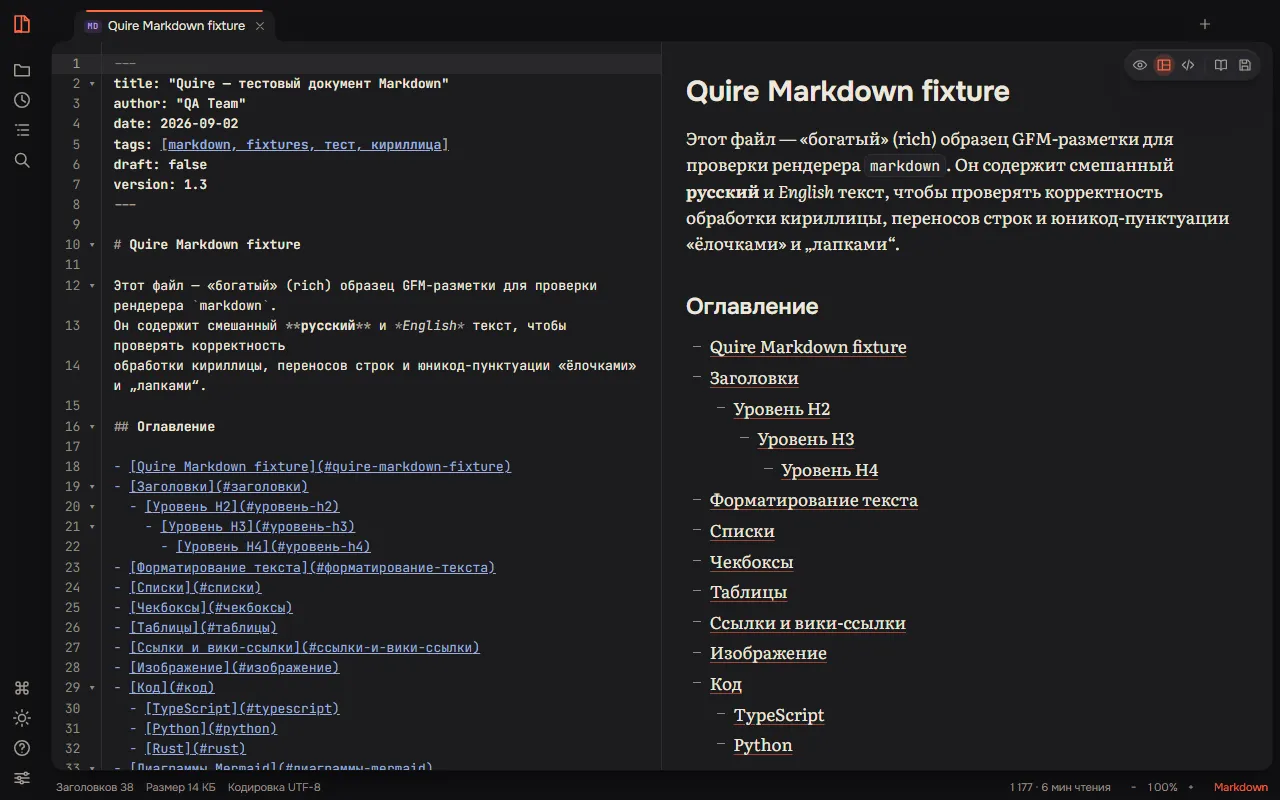
The Quire opens 20 kinds of files on your own computer: PDF, Markdown, code, tables, Office documents, books, images, media and archives. You can annotate and edit PDFs, fill forms, redact text for real and compress files. Reading your own files works offline.
Your data
- Cloud rooms are stored on the server, which can see room data. Desk data is not end-to-end encrypted.
- Direct lessons travel between the two devices in an encrypted WebRTC channel. The check phrase confirms the codes were not swapped on the way.
- Documents are shown as page snapshots; the original file stays with its owner.
- Calls are always encrypted by WebRTC, also when relayed.
- Sync is not a backup. Save important desks (.cdesk) and the original files.
Preview
The Quire 0.6.1 is a preview. Real phones, other browsers and different networks are still being tested. Direct lessons were tested on one machine, not yet across real networks. The installers are not signed or notarized, and there are no automatic updates yet.
Download
Install The Quire to run lessons from your computer or to read your own files offline. Students do not need to install anything.
Windows
Your systemCloud-Desk-0.6.1-Windows-x64.exe
SHA-256Download3029c79e95b4348d…Show full checksum
3029c79e95b4348d6f3647f9ae71790293bebcbbec9bf4656aafcd7d0fb12055The installer is not signed. If SmartScreen stops it, choose More info → Run anyway.
macOS · Apple Silicon
Your systemCloud-Desk-0.6.1-macOS-Apple-Silicon.dmg
SHA-256Download1c67dd9e95f6639c…Show full checksum
1c67dd9e95f6639c9a325c75c33fd67391d4d42f56dfc134e7931f4cce0b8d90The app is not notarized. The first time, right-click the app and choose Open, or go to System Settings → Privacy & Security → Open Anyway.
Not sure which Mac you have? Apple menu → About This Mac: “Apple M…” is Apple Silicon, “Intel” is Intel.
macOS · Intel
Your systemCloud-Desk-0.6.1-macOS-Intel.dmg
SHA-256Downloadcf1507a0f3014569…Show full checksum
cf1507a0f30145690a9f7cf45937c6c910ff3498bf4aefcdf0582f80ee25b617The app is not notarized. The first time, right-click the app and choose Open, or go to System Settings → Privacy & Security → Open Anyway.
Linux · AppImage
Your systemCloud-Desk-0.6.1-Linux-x64.AppImage
SHA-256Downloadbada04c79a46903b…Show full checksum
bada04c79a46903bf230b682003fb83de35767c94d22244f6f6d4278a75dd3b2Make the file executable, then run it:
chmod +x Cloud-Desk-0.6.1-Linux-x64.AppImage && ./Cloud-Desk-0.6.1-Linux-x64.AppImageLinux · .deb
Your systemCloud-Desk-0.6.1-Linux-x64.deb
SHA-256Download718ec7d8662cf3ad…Show full checksum
718ec7d8662cf3ad2104dd38c3c85b554958e1065aa6674d8339e129f40903d7Install with your package manager:
sudo apt install ./Cloud-Desk-0.6.1-Linux-x64.deb
Check the download
Compare the checksum with the one on the card or in SHA256SUMS.txt.
- macOS
shasum -a 256 <file> - Windows
Get-FileHash <file> -Algorithm SHA256 - Linux
sha256sum <file>
The preview files are still named Cloud Desk, the working name of The Quire. They keep their own settings and do not replace an earlier Quire reader.